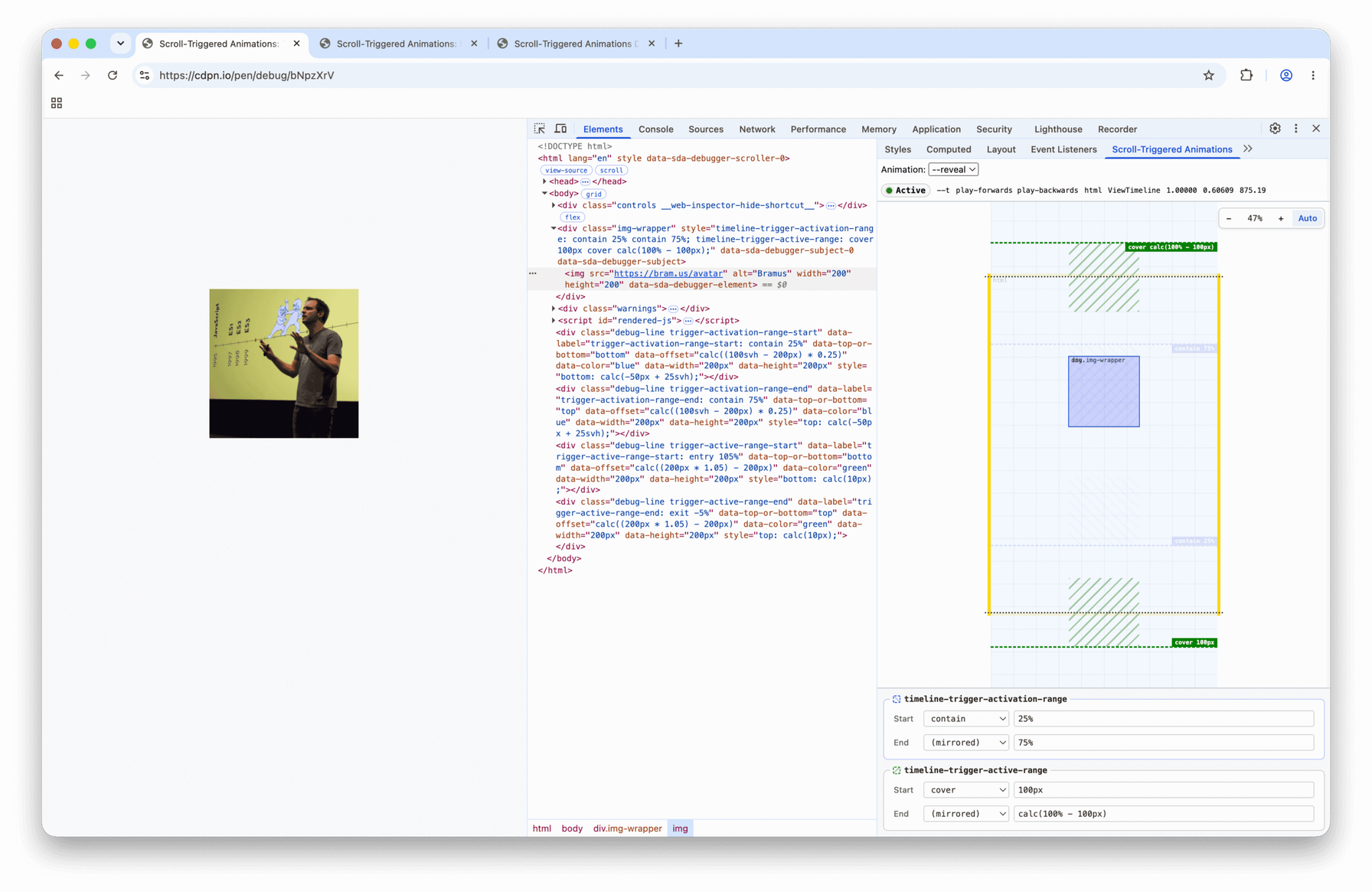
CSS scroll-triggered animations: visualize and adjust ranges
www.bram.us
This Chrome DevTools extension makes CSS animations triggered by scrolling easier to debug: a minimap locates the scroller, element, and subject, while colored markers show activation and active ranges. Values can be edited live; the tool supports ScrollTimeline, ViewTimeline, and elements using position: sticky.
Two limitations come from Chrome: relative units such as 90vh are reduced to computed pixel values, and elements inside an iframe are not supported. The extension fills a gap in DevTools while built-in support remains a possible future improvement.